

Protect your crew. Stop crime before it starts.
Virtual Guard and Virtual Perimeter Guard back your restaurant with trained intervention specialists, without a guard on site. When your crew triggers an alarm or AI detection flags a threat at the perimeter, Interface specialists respond, voice-down on the situation, and work with local law enforcement when seconds matter.
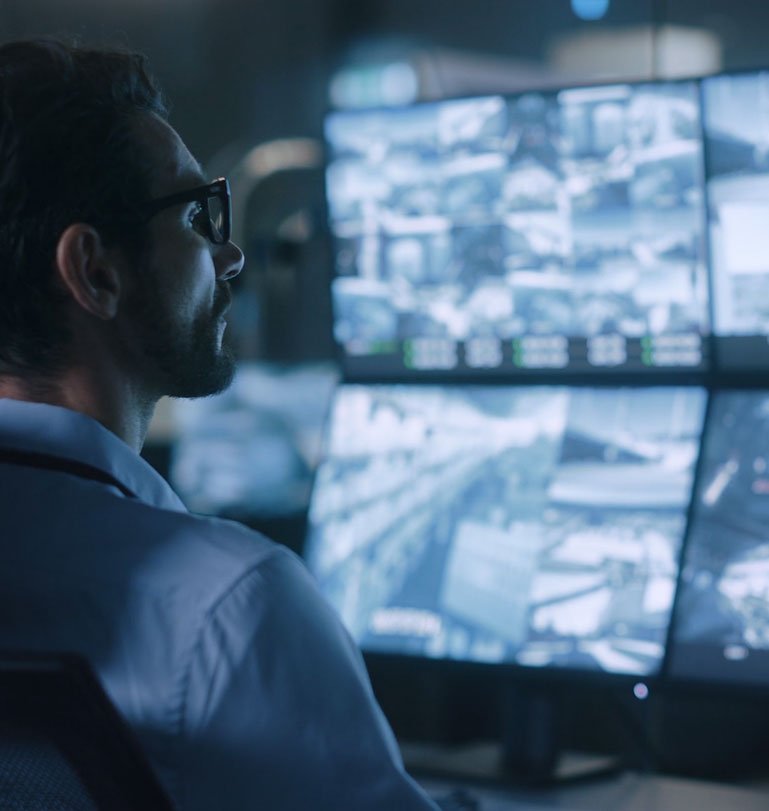
Three steps. One outcome: threats stopped before they escalate.
Virtual Guard responds when your crew triggers it; Virtual Perimeter Guard uses AI-enabled detection at the property line. The difference between a camera that records and a service that responds.
Accurate detection
Analytics on your existing cameras flag real threats like loitering, suspicious approach, and after-hours activity, while filtering out noise like pets, shadows, and passing traffic.
Staged autonomous deterrence
Strobes, lights, and escalating voice-down messages move would-be intruders off the property in real time, before they try your doors or your crew.
Human escalation & resolution
When deterrence is not enough, intervention specialists at the Interactive Security Operations Center (iSOC) step in, coordinating with law enforcement and guiding your crew through the situation.
Stop the situations that cost you staff, sales, and sleep.
Every El Pollo Loco restaurant deals with a different mix of risk. Virtual Guard covers the full range.
Break-ins & burglary
After-hours AI detection and voice-down stop intruders before they gain entry.
Loitering & panhandling
Move unwanted guests along without putting your crew in the middle of the conversation.
Trespassing & vandalism
Strobes, lights, and voice-down deter graffiti, property damage, and repeat offenders.
Illegal dumping & encampments
Protect your lot, your dumpsters, and your back-of-house from unauthorized activity.

Backup for your crew, the moment they call for it.
The human-led service for El Pollo Loco restaurants. When your team activates the system, Interface intervention specialists step in to de-escalate difficult encounters, deter criminal activity, and coordinate with law enforcement. They engage on request, not by watching your store around the clock.
- Scheduled virtual tours. Announced check-ins (typically twice a day) with voice-down to deter loiterers and trespassers.
- Virtual staff escorts. On-demand support your crew requests when they open, close, or take out the trash.
- Rapid response. On-demand response triggered by the Interface security phone, hold-up alarm, or wearable pendant.
- Monthly reporting. Activation trends, dispatches, incident reports, and system health at your fingertips.
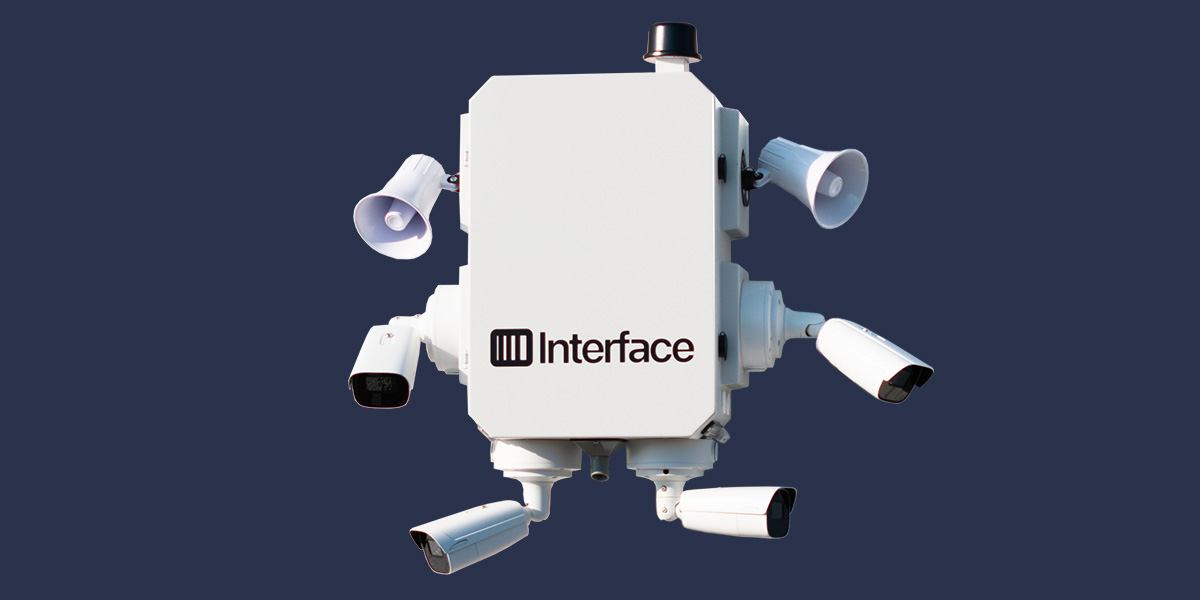
Stop threats at the property line, before they reach your door.
AI-enabled detection and staged, automated deterrence protect the parking lot, drive-thru, and back-of-house during the hours you're most exposed. 96% of perimeter threats are resolved automatically, with no guard and no crew confrontation.
- Accurate detection. AI analytics flag real threats and filter out weather, wildlife, and passing traffic.
- Staged autonomous deterrence. Strobes, lights, and escalating voice-down messages move intruders off the property.
- Human escalation. When deterrence is not enough, iSOC intervention specialists step in and coordinate with law enforcement.
- Bilingual voice-down. English and Spanish messaging included on every package.
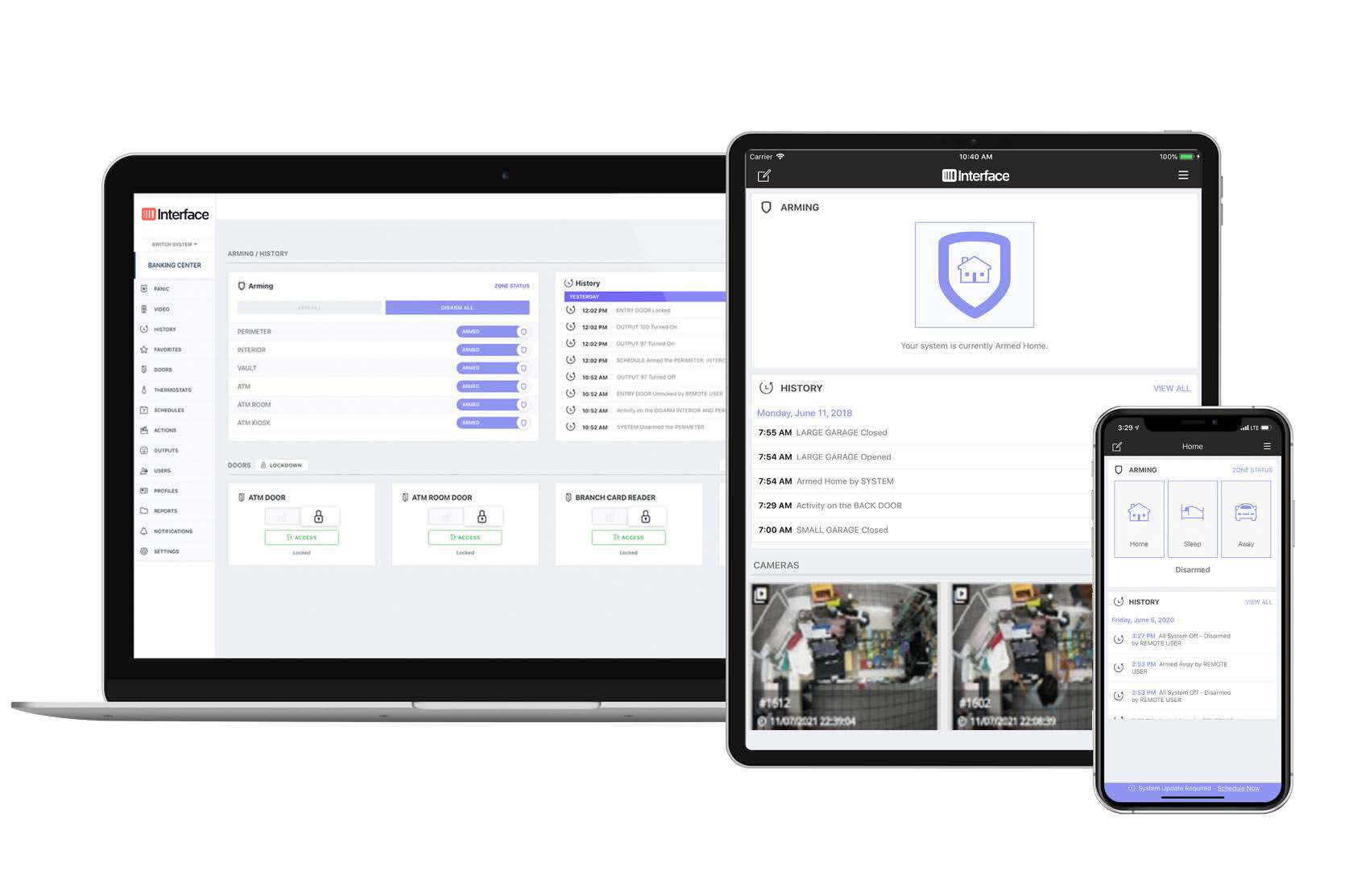
Safeguard employees, protect assets, and reduce shrink.
A fully managed intrusion alarm service for multi-location restaurants. Interface handles the system end to end and verifies every alarm event.
- Fully managed alarm service. We handle design, installation, maintenance, and upgrades with a single flat-rate monthly invoice.
- Cloud-based alarm management. Use any device or our mobile app to arm and disarm alarms or change alarm codes.
- Video verification of alarm events. Alarm events are verified by trained remote video monitoring agents to minimize false alarms.
Preferred El Pollo Loco franchisee pricing.
Choose the zone configuration that matches your restaurant footprint. All packages include installation, training, and the Gold Maintenance Plan.
Virtual Guard
Interior + exterior coverage, voice-down, and alarm-triggered response
Every Virtual Guard package includes
Virtual Perimeter Guard
Autonomous perimeter detection and deterrence
Managed Intrusion Alarm
Fully managed alarm service with video-verified alarm monitoring
Install price includes
- 5 wall motion sensors
- 5 door contacts
- 1 roof hatch or drive-through window contact
- 1 360° motion sensor
- 2 freezer / walk-in panic buttons
- 3 standard panic buttons
Prices may vary depending on individual site needs.
Includes
- Intrusion monitoring
- Video-verified alarm
- Gold Maintenance Plan
Your Path to Go-Live
A clear, managed path. You sign up. We handle the rest.
-
Sign up
Submit your interest through this site, by email, or by phone. An Interface representative reaches out to confirm your restaurant layout and existing security equipment.
-
Free site survey
An Interface technician visits your restaurant to confirm camera coverage, audio zones, and alarm integration, at no cost to you.
-
Order summary & agreement
We email your supervisor and regional manager a complete order summary with package, pricing, and terms for signature.
-
Installation
Two technicians on site for roughly two days. Your project manager coordinates the schedule directly with your contact.
-
Test, turn up & train
Our Test and Turn-Up team verifies every zone and device. Your manager signs off. We train your crew on activation and daily use.
-
Go live
Your system is active and connected to the Interface iSOC for alarm response and AI-flagged perimeter events. Most sites are operational within 3-6 weeks of a signed agreement.
Ready to give your crew the backup they deserve?
Sign up today. We'll take it from here.
Talk to someone who knows El Pollo Loco restaurants.
Quick answers before you sign up.
Who is eligible for Virtual Guard?
Currently, any operator that utilizes various Video Management Systems such as Envysion, OpenEye, and IP Configure, among others.
How do I get started?
Click Sign up today anywhere on this page and fill out your information. An Interface representative will follow up within two business days.
What does the end-to-end ordering and installation process look like?
- Sign up for Virtual Guard via the microsite, email, or by calling.
- The Interface sales team will contact you to gather more information about your restaurant layout and the security systems you have installed.
- An Interface contracted technician will complete a free site survey, confirming your restaurant layout and existing equipment to ensure everything needed for a Virtual Guard solution is in place.
- Interface will email your restaurant supervisor and regional manager an order summary detailing the package, pricing, and terms to sign and return. If your restaurant does not have the required security equipment, you will be placed on a notification list once other options become available.
- An Interface Project Manager will work directly with the contact provided to schedule your installation.
- Installation takes approximately two days with two technicians on site, though this may vary depending on restaurant requirements.
- On-site technicians will work with the Interface Operations team to verify everything is working as designed and obtain sign-off from the store manager before departing.
- Training materials on system activation and use will be provided to employees and the restaurant.
How long does installation take?
Approximately 3-6 weeks from receipt of a signed agreement. Restaurants outside the continental U.S. (Alaska, Hawaii, Puerto Rico, and other U.S. territories) may require additional time.
How do I activate the Virtual Guard system?
By picking up the Interface Security phone or holding down the panic button typically located under the register. The preferred method is to use the Interface Security phone.
How do I know the system is working? Can I test it?
Always notify the iSOC before testing any device so they can differentiate between tests and actual activations. Once notified, an intervention specialist will walk you through the test.
When should I press the button?
Any time you feel threatened or need urgent security assistance.
Do I need to initiate the conversation with the Interface security specialist?
No. They will listen into the store, assess the situation, and initiate the conversation with you.
Will the associate or store be in trouble if they can't hit the buttons?
No. Only push the buttons if you feel it is safe to do so. Make no sudden movements toward the button if it feels unsafe. You may also push the button after the suspect has left the store.
Does Interface listen to store phone calls or everyday conversations?
No. Interface only listens in when a button has been pressed or during an announced security tour, which occurs twice per day.
Will the store still have to contact 911 for emergencies?
Yes. The Interface service is not a replacement for 911. If an Interface specialist determines authorities need to be contacted, they will contact 911, but always adhere to your restaurant's normal safety protocols.
How quickly will a specialist respond after activation?
After receiving the signal, the intervention specialist will look, listen, and assess before issuing a voice-down. This process may take up to two minutes, with crew safety as the primary concern.